Back

Mii Modifier

Table Of Contents:

1. About
2. Install Guide
3. Features

About Mii Modifier


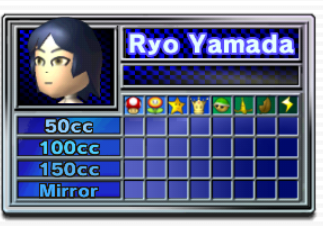
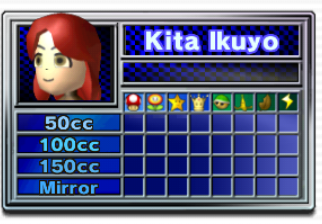
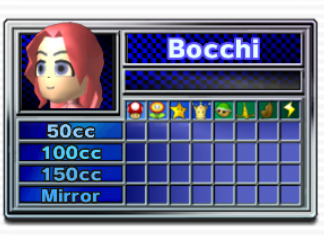
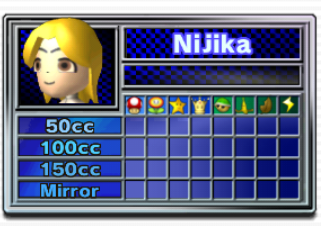
Mii Modifier is a tool that lets you customize your miis a bit further then what Nintendo intended on the Wii. It lets you change the hair and skin color of your mii, adding more capabilities for Mii Creations.
Installation Guide


Required:
Modded Wii/Wii U with Riivolution
SD Card
Disc with a mii in it


1. Download the XML here. Right-click the link and click "Save link as"

Download Mii Modifier v1.0 here!

2. Put the XML File in the riivolution folder on the root of the SD Card
3. Eject the SD from your computer and put it into the Wii/Wii U
4. Turn on the Console and insert the disc of your choice (Go to the Wii Menu on the Wii U)
5. Enter Riivolution either via the Homebrew Channel or the app
6. Enable any Hair or Skin Color option in Riivolution.
7. Congrats! You now have colored hair or skin on your miis.

Features

  • This mod affects every mii you have and see (even online).
  • Locks the color of hair or skin to any selected.
  • Randomization Options for both hair and skin.
  • Over 10+ Options for customization!
  • © 2026 Boshi

    If there are ANY issues, contact the creator on Discord "ballpark00.carc".